One-time software that fixes the Windows, graphics driver and controller settings holding your games back, and shows you exactly what it changed.
Sample data: nothing in the demo touches your PC. The Mouse & keyboard page really measures your mouse.
Before and after, with a frame counter on screen in every game.
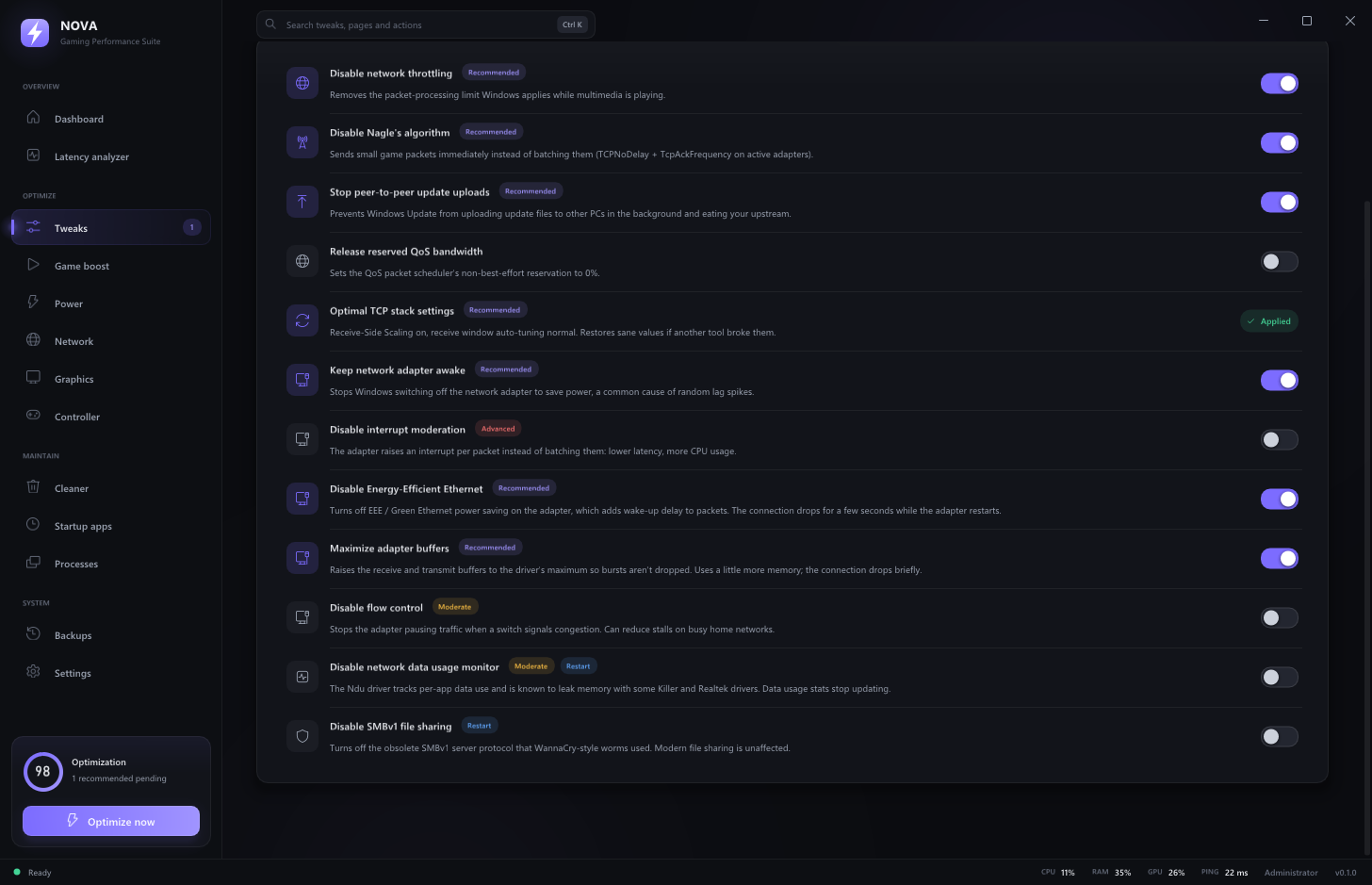
Every part of your PC that sits between you and the game, tuned from one place. Each change is explained, rated by risk and switched on or off on its own.
95 Windows settings for gaming, graphics, input, network, power, debloat and privacy.
Finds what's costing you frames, including what only the BIOS can fix, and scores your PC's responsiveness.
Finds your games on every launcher and switches the PC into game mode while they run.
NVIDIA tuning through the driver itself, plus checks for every GPU brand.
Polling-rate overclock up to 8000 Hz, plus the tools to prove it.
Clears junk and shader caches, fixes standby-memory stutter and finds your fastest DNS.
A wired DualSense reports 250 times a second out of the box. NOVA raises it to as much as 8000 and measures the result live.
Some of the biggest gains live in settings Windows can't change. NOVA reads them and tells you exactly what to switch.
NOVA finds installed games across every launcher, applies per-game Windows settings each time they run, and can put the whole PC into game mode for the session. It never touches game files.
Tweaks · Analyzer · Game Boost · Graphics · Controller & mouse lab · Cleaner
NOVA only changes Windows, driver and device settings, the same ones you can change yourself in Settings or the NVIDIA Control Panel. It never modifies game files or runs inside a game, so there's nothing for anti-cheat to detect.
Yes. NOVA backs up every setting before changing it. Switch any tweak off to restore its original value, or restore everything from the Backups page. It can also create a Windows restore point before one-click optimization.
It depends on how your PC is set up today. A PC with XMP off, the monitor at 60 Hz or background recorders running gains a lot; a PC that's already tuned gains less. The Latency analyzer shows what's holding your PC back before you change anything, and its benchmark shows the difference afterwards.
No. Most of NOVA works on any PC, and the analyzer checks NVIDIA, AMD and Intel cards. The graphics-driver settings, power limit, clock presets and fan curve currently need an NVIDIA card.
Open My license, enter your key and the email you bought with, and download NOVA again. Your key is also in your purchase email, and Lemon Squeezy's order page keeps every receipt.
Each license works on one PC at a time. Move it from Settings in the app, or from the My license page if the old PC is gone, then activate on the new one.
Yes. NOVA checks for new versions and installs them from Settings › Updates. Your settings, tweaks and license stay as they are.
Windows 10 or 11, 64-bit, and an administrator account (NOVA changes system settings).
Pay once, own it for good, and undo anything with a click.
Get NOVA for $24.99 NOVA
NOVA